Create CAL Accounts
After completing the setup steps, you can now create CAL accounts.
This is done using the normal procedure for creating application accounts in the Administration Console, with the following differences:
- Set the account type to Integration.
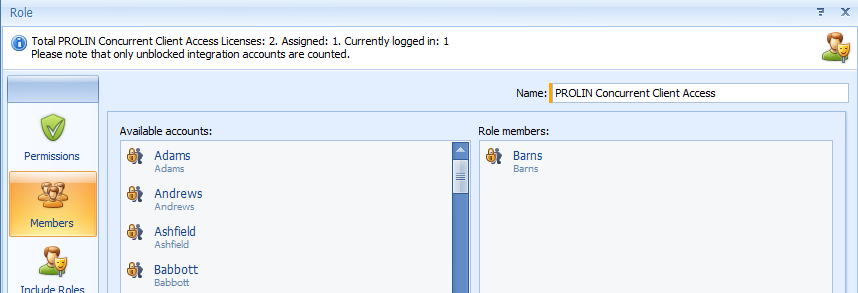
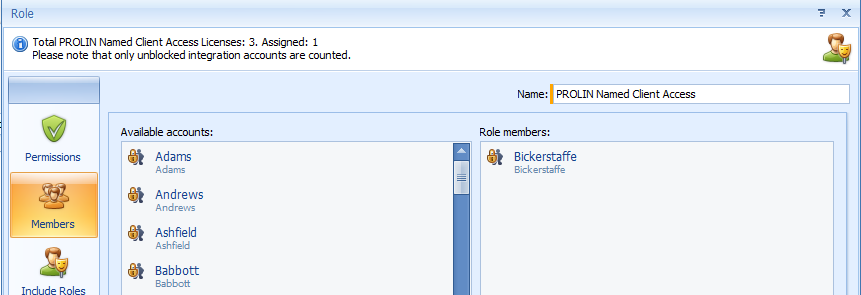
- Assign the PROLIN Named Client Access or PROLIN Concurrent Client Access role to the account.
Once the account is saved, you can start PROLIN Smart Client and sign in normally using the PROLIN Power Server connector.
The Role editor shows assigned and available license seats.