Working with Service Today
Starting your day with Service Today gives you flexible options for managing work assignments. If you’re managing the workload of a Workgroup, it may be more effective to begin with Service Today. If you’re only managing your own workload, the My Tasks view might be more appropriate.
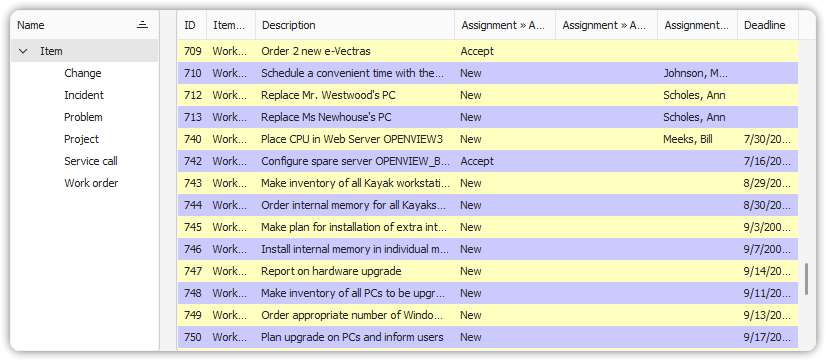
Service Today focuses on one list of items at a time. It is especially useful for handling assignable items such as:
- Service Calls
- Incidents
- Problems
- Work Orders
- Changes
- Projects
Each view allows you to display items assigned to:
- You (the current user)
- Your Workgroup
- A specific user or Workgroup
How to Filter Assignments
To control which assignments you see in a Service Today view:
- Open the table view you want to work with.
- Go to the View tab and click All View Options.
- In the View Options dialog, navigate to the Filter group.
- On the More Choices tab, select options for yourself or your Workgroup.
- To filter by a different user or Workgroup:
- Clear all selections on the More Choices tab.
- Switch to the General tab.
- Use the
Assignment > To PersonorAssignment > To Workgroupfields to choose a specific user or group.
- Click OK to apply the filter and close the dialog.