Starting the Administration Module
To initiate the Administration module, ensure that PROLIN Smart Client is running and you are logged in.
Note:
The admin functionality is not available if: - The Admin module has not been installed, or
- The logged-in user is not authorized under the System Administrator role.
Launching the Admin Client
- Open the Application menu.
This menu is located to the left of the Home tab in the ribbon.
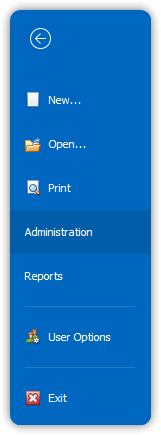
- From the Application menu, select Administration.
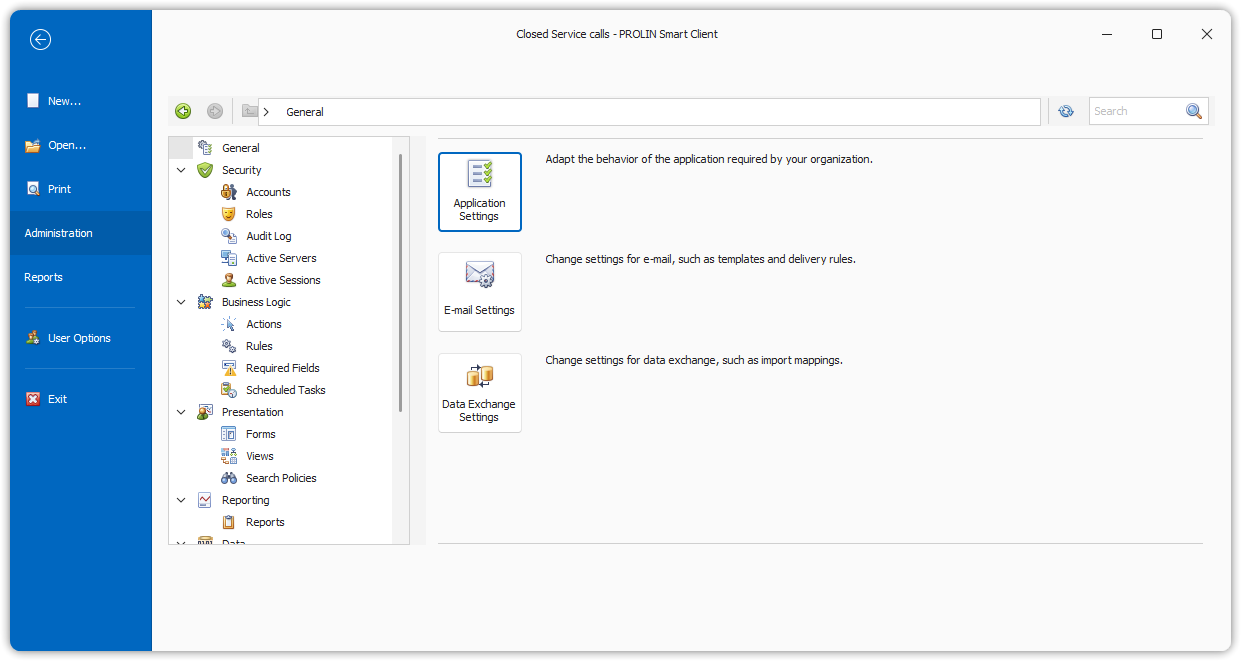
This action launches the PROLIN Admin Client main menu.