Security Settings
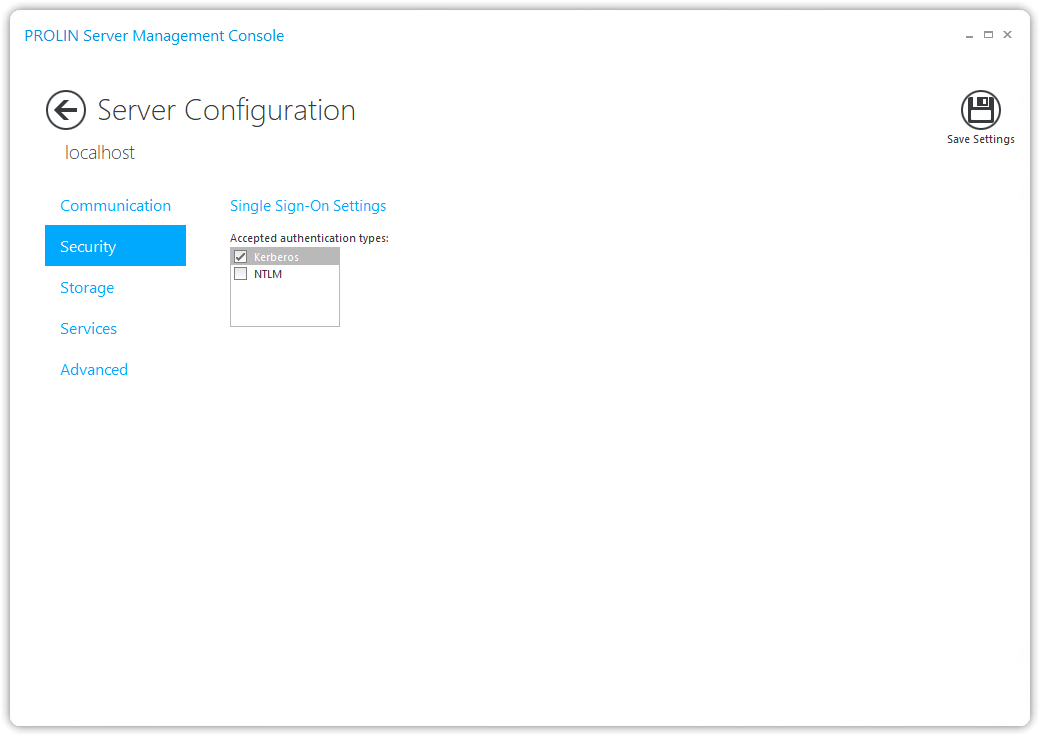
The Security page allows you to configure the security options of PROLIN Power Server.
Default Configuration
By default, PROLIN Power Server is configured to:
- Accept only Single Sign-On (SSO) authentication requests
- Authenticate users logged on to the Microsoft Windows domain
- Use the Kerberos protocol
Alternate Protocols
If your Windows environment uses a different protocol (e.g., NTLM), you can enable it by selecting the corresponding checkbox in the Security configuration.