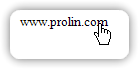
Create Hyperlinks
This tutorial shows how to embed a hyperlink into a report.
Hyperlinks behave as expected in the following output formats:
- Print Preview
- HTML Preview
- Exported formats: PDF, HTML, MHT, RTF, XLS, XLSX
Steps to Insert a Hyperlink
1. Create or Open a Report
- Start with a new report or open an existing one.
2. Add a Label
- Drag a Label control onto the report surface.
- In the Property Grid, set the
Textproperty to your desired link text.
Example:
Text = "www.prolin.com"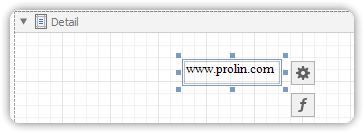
🎨 Optional: Style the label like a traditional hyperlink by: - Setting the font color to blue - Enabling underline styling
3. Set Navigation Properties
In the Property Grid, configure:
Navigation Target:
Choose one of the following values:_blank— Open in a new window/tab_self— Open in the same frame_parent— Open in the parent frame_top— Open in the full body of the window_search— Reserved for future use or search contextNavigation URL:
Enter the desired hyperlink destination.
Example:
Navigation URL = "https://prolin.com"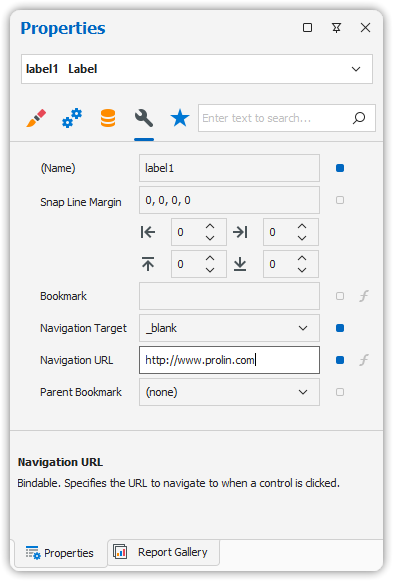
Preview the Hyperlink
Switch to the Preview Tab or HTML View Tab to test the hyperlink behavior.
🔗 The label will now function as a clickable link in supported formats and previews.