Deleting an Item
Deleting an item is a normal part of an item’s life cycle. You may want to delete an item because it’s no longer in use. However, company policies may restrict item deletion, opting instead for archiving based on specific rules.
⚠️ You can only delete an item if: - You are authorized to delete that item type. - The item has no dependent relationships (e.g., history lines). - Company policy permits it.
Referential Integrity
Items with dependent relations (e.g., history lines) cannot be deleted to maintain database integrity.
- Example: If a Service Call has history lines, it cannot be deleted unless those dependencies are removed.
Some items, like
Person, support blocking as an alternative to deletion. A blocked person is no longer selectable but remains in the system.
Deleting a Basic Item
To delete an item:
- Select the item (only one at a time).
- Right-click and select Delete from the context menu.
If the delete option is unavailable, you likely lack the required permissions.
Deleting an Item with References
To delete an item with existing references:
Select the item to delete.
Click References in the Action group on the Home tab.
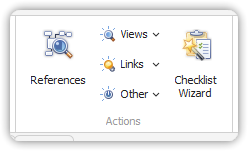
References in the Action group In the References dialog:
- Review all related references.
- Click on a reference and press Open to inspect details.
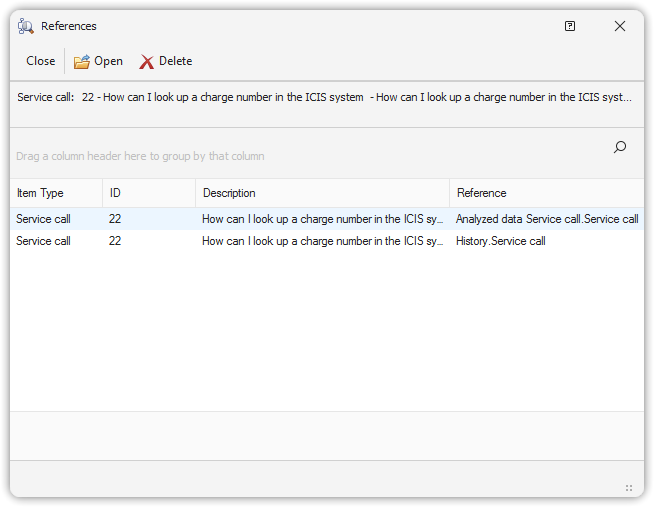
References of a specific Service Call If you confirm all related items can be deleted, click Delete in the dialog.
Again, the delete function may be restricted based on your role or system settings.