Starting the Report Designer
Starting the Report Designer
To start the Report Designer, navigate to:
Home → Administration → Reporting → ReportsYou will then see the following screen:
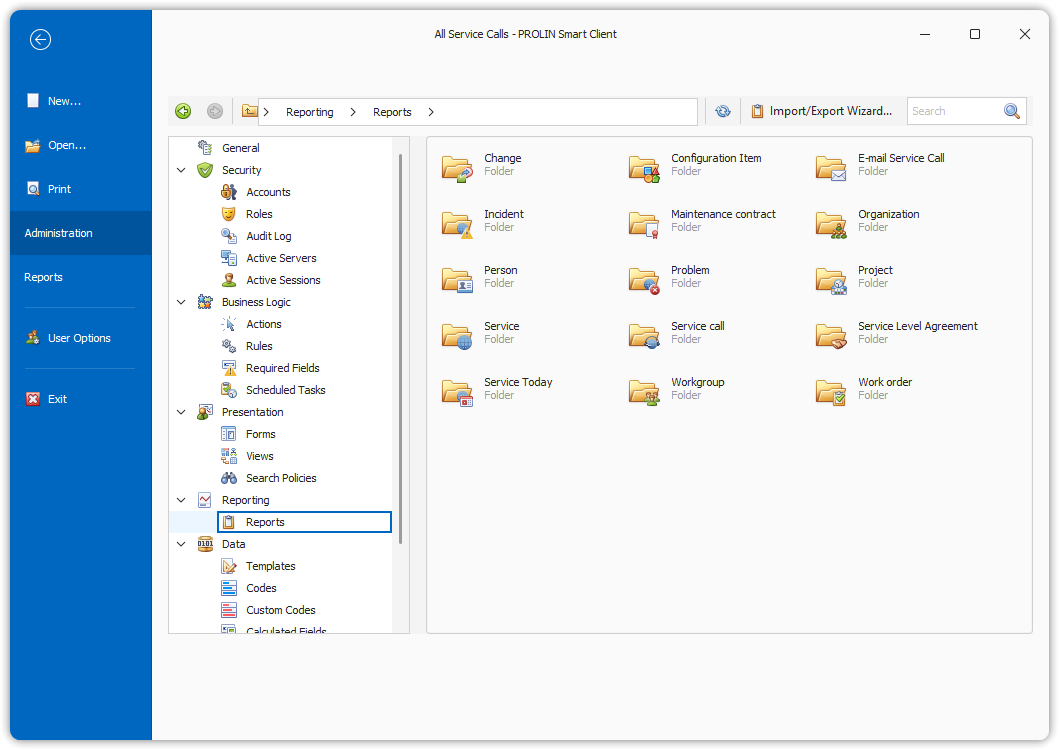
Main screen showing the reports stored per entity on the server.
Launching the Report Designer
You can start the Report Designer in the following ways:
- Double-click on an existing report.
- Click the Create button (
AdminPrintMainCreateButton) on the toolbar. - Click the Open button (
AdminPrintMainOpenButton) on the toolbar.
Reports are stored in the Smart Suite database.
💡 Tip: If you want to copy reports from one database to another, use the Importing/Exporting Reports function.
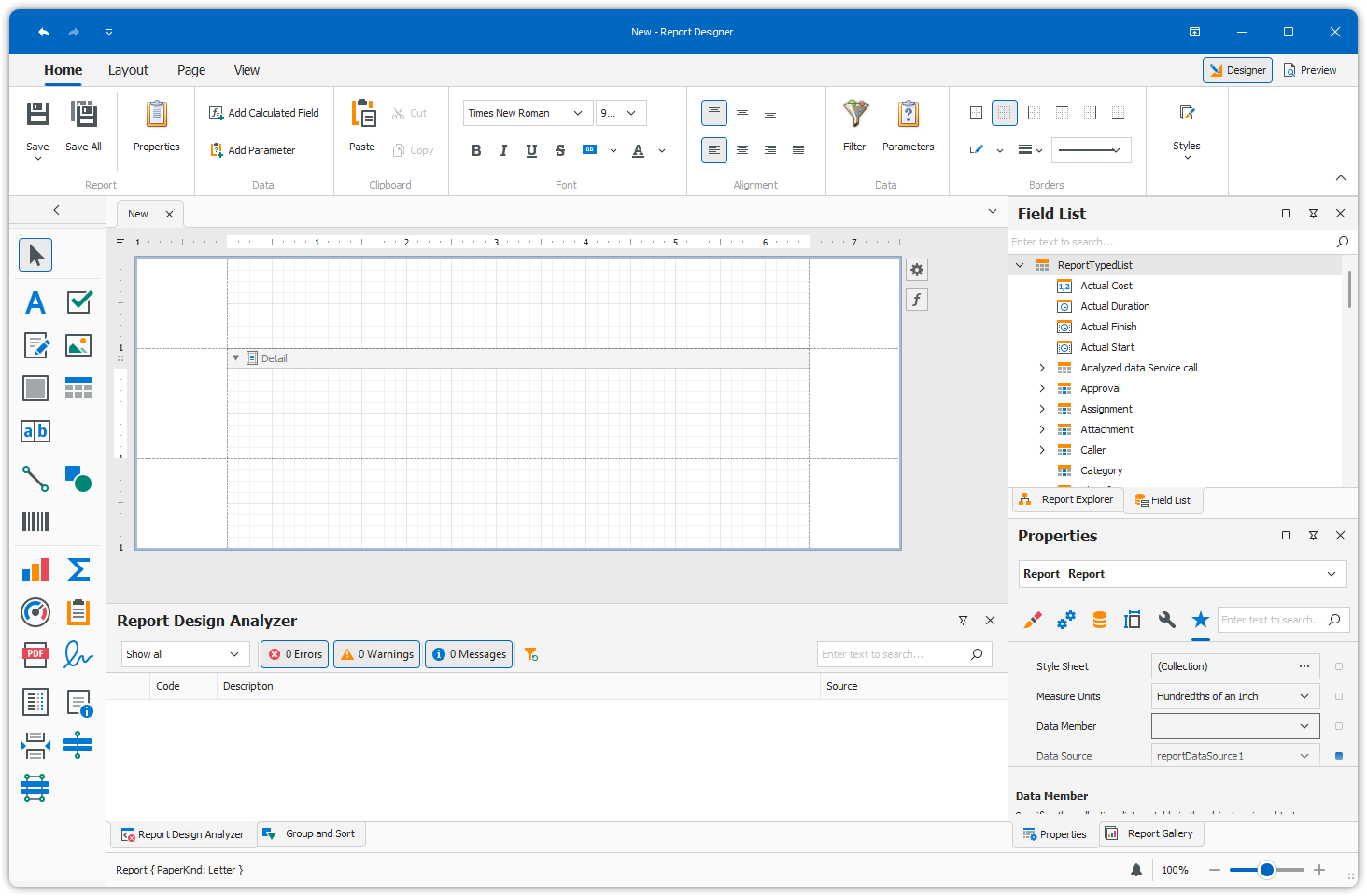
Report Designer Interface
The Report Designer interface appears as follows: