Status Command
The status command can be used to check whether PROLIN Power Server is running correctly.
To execute it, type the following command in a Command Prompt (with Administrator privileges, from the installation folder):
pps statusExample Output (Running Instance)
If the PROLIN Power Server instance is running, you will see output similar to:
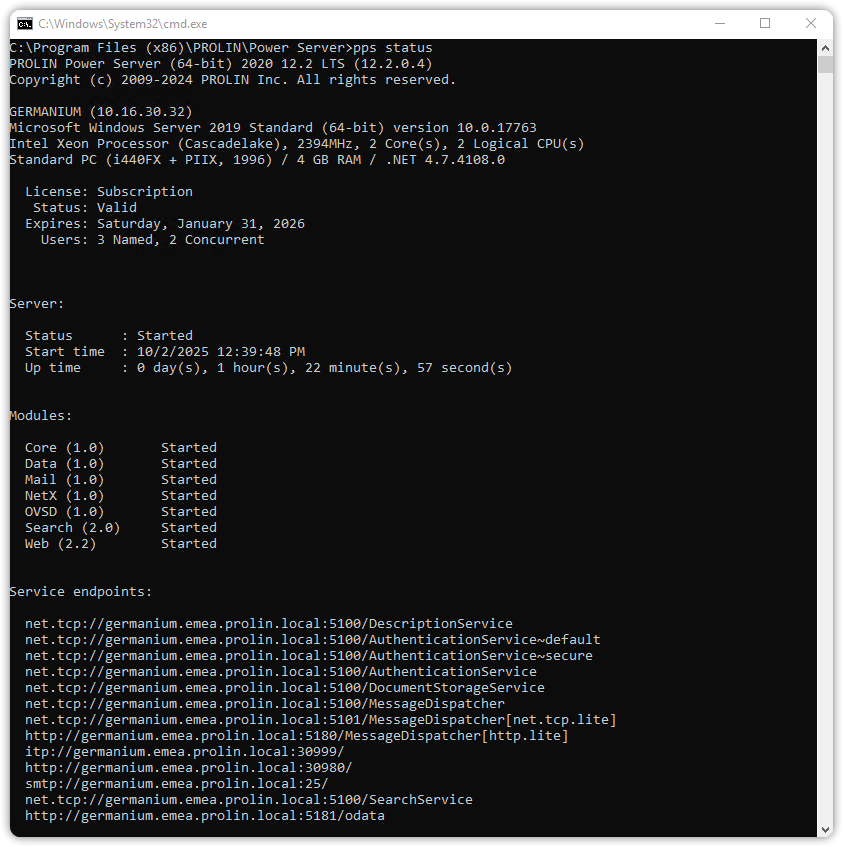
Example Output (Not Running Instance)
If the instance is not running, the output will look like:
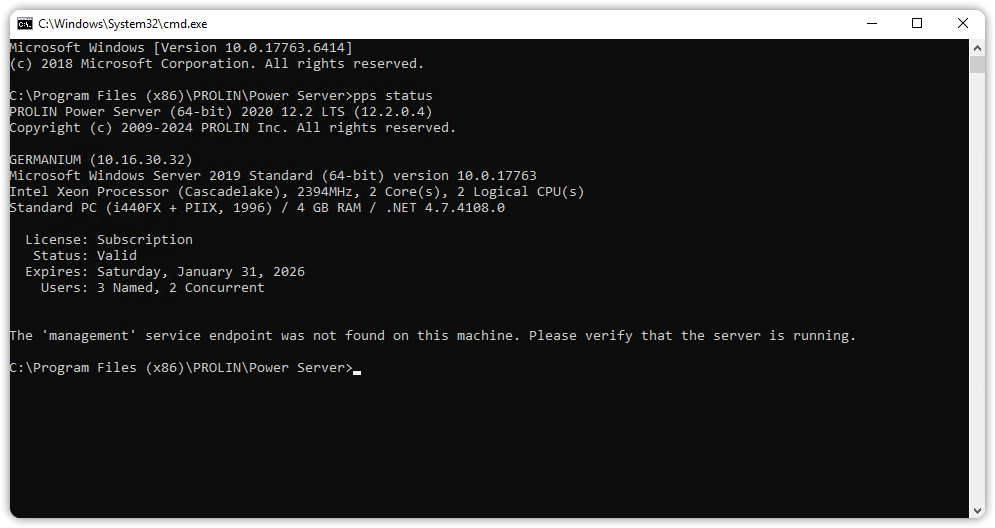
NoteNote
The same information is also available in the Monitoring section of the Server Management Console.