User Interface
The user interface of PROLIN Smart Client closely resembles the look and feel of Microsoft Office 2010. This familiar design ensures that users experienced with Microsoft Office will find PROLIN Smart Client intuitive and easy to use. Actions that are second nature in Office are also applicable within the Smart Client environment.
The interface components are consistent across the application, giving each element a recognizable and cohesive look.
Gadgets and Action Windows
Action windows help organize your workflow within the interface. These tools can be positioned anywhere within the workspace, allowing users to customize their environment according to personal preferences.
PROLIN Smart Client gadgets are created to make your work environment more productive and enjoyable. These gadgets are developed by PROLIN, its partners, and third-party contributors to enhance ITIL implementations even further.
Examples of action windows:
- Navigator – Helps you locate items used in processes.
- Attachment Management Window – Used in forms to manage document or file attachments.
Smart Client gadgets are easy-to-read user interface components that present information in a visually appealing and compact manner.
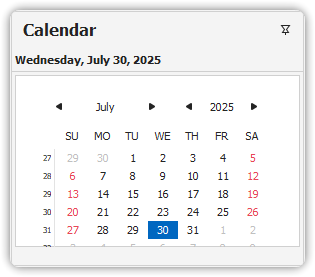
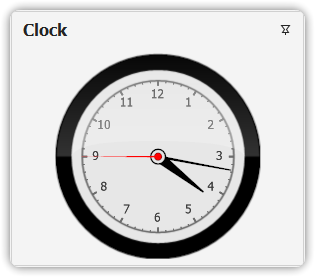
Currently available Smart Client gadgets:
- Calendar
- Clock
These gadgets are pluggable and extensible. New gadgets may be introduced by PROLIN, PROLIN partners, or third parties.