Uninstalling PROLIN Power Server
To uninstall PROLIN Power Server from your computer, follow these steps:
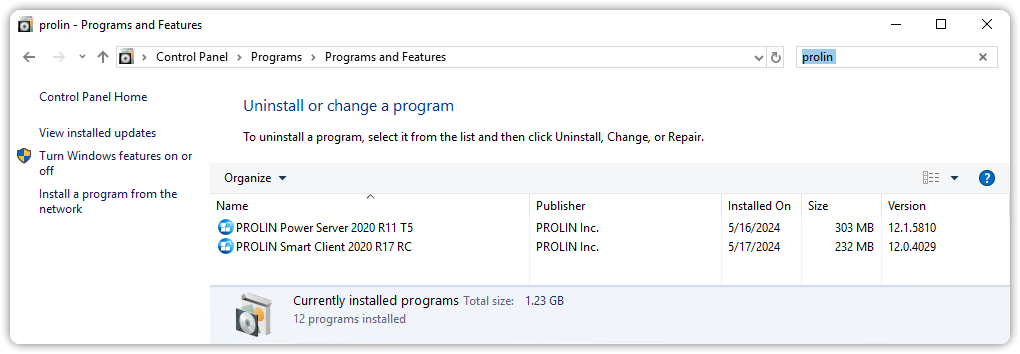
- Open Programs and Features:
- Click the Start button
- Go to Control Panel
- Click Programs, then Programs and Features
- Click the Start button
- In the list of installed programs, select PROLIN Power Server, and click Uninstall.
Back to topNote: Uninstalling PROLIN Power Server does not require administrative rights.