Using the Application Menu
The Application menu provides access to global functions and settings within PROLIN Smart Client. It is located to the left of the Home tab in the ribbon interface.
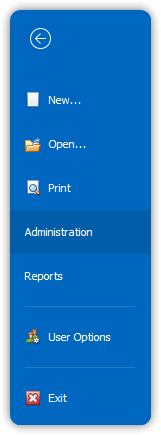
This menu acts as the central hub for many core actions and configuration options.
Back to top