Monitoring Remote Hosts
In addition to monitoring the local host, the Server Management Console also allows you to monitor remote hosts.
Adding a New Server
From the startup screen, do the following:
- Press the Esc key, or right-click in any white space at the bottom of the screen.
- The dialog will switch to Add Server mode.
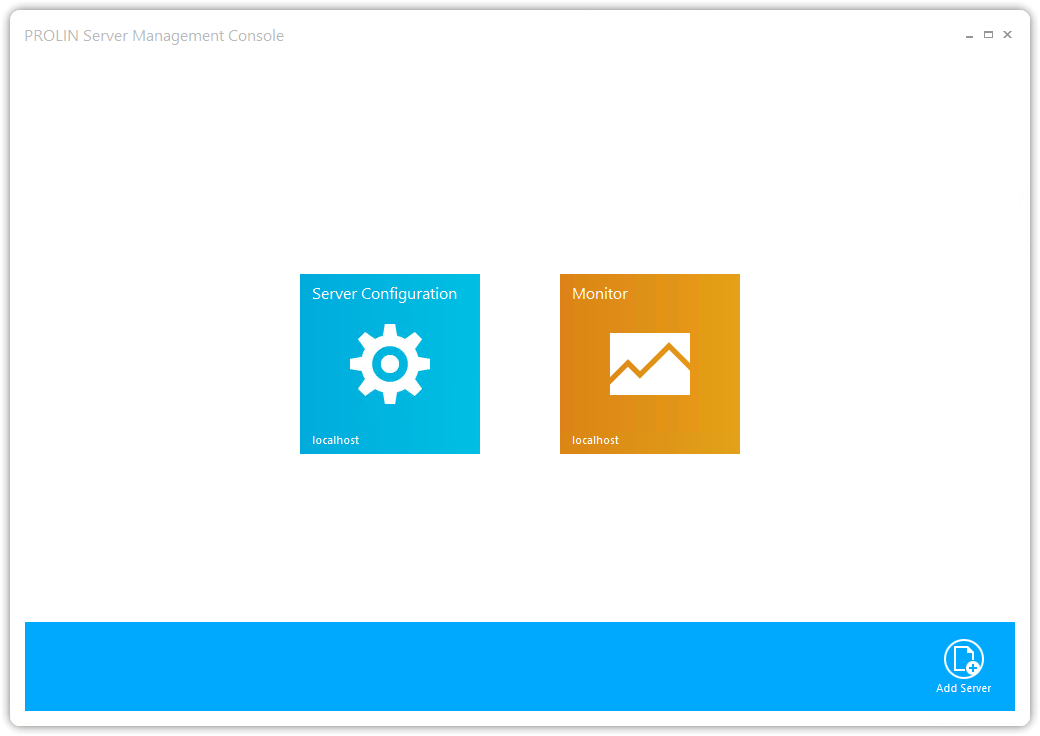
Startup Screen: Add Server - Click the Add Server button.
- This opens the Add Server dialog.
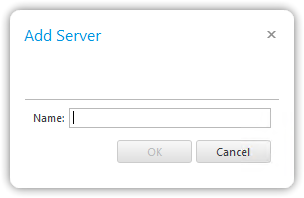
Add Server dialog - Enter the name or IP address of the remote server you want to monitor, then press OK.
- The startup screen now shows the new server.
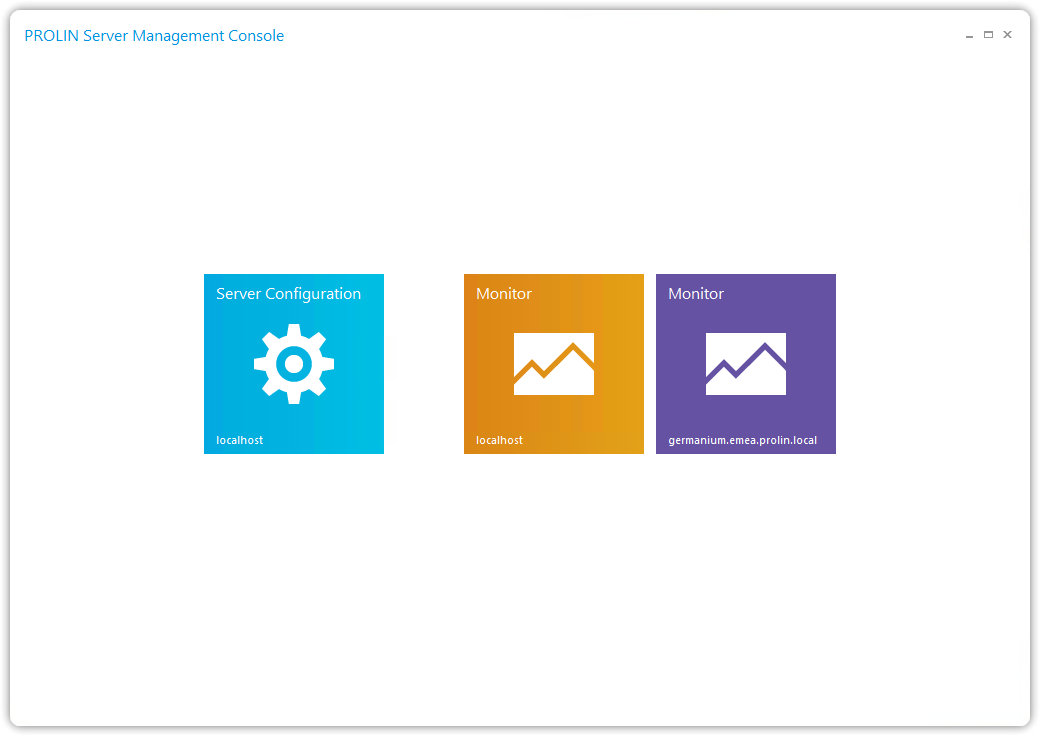
Startup Screen: Added Remote Server - Click the newly created server button to start monitoring the remote server.
- Depending on your environment, it may take up to 30 seconds before you see a response.
Removing a Server
To remove a remote server:
- From the startup screen, right-click the server you want to remove.
- The screen will switch to Remove Server mode.
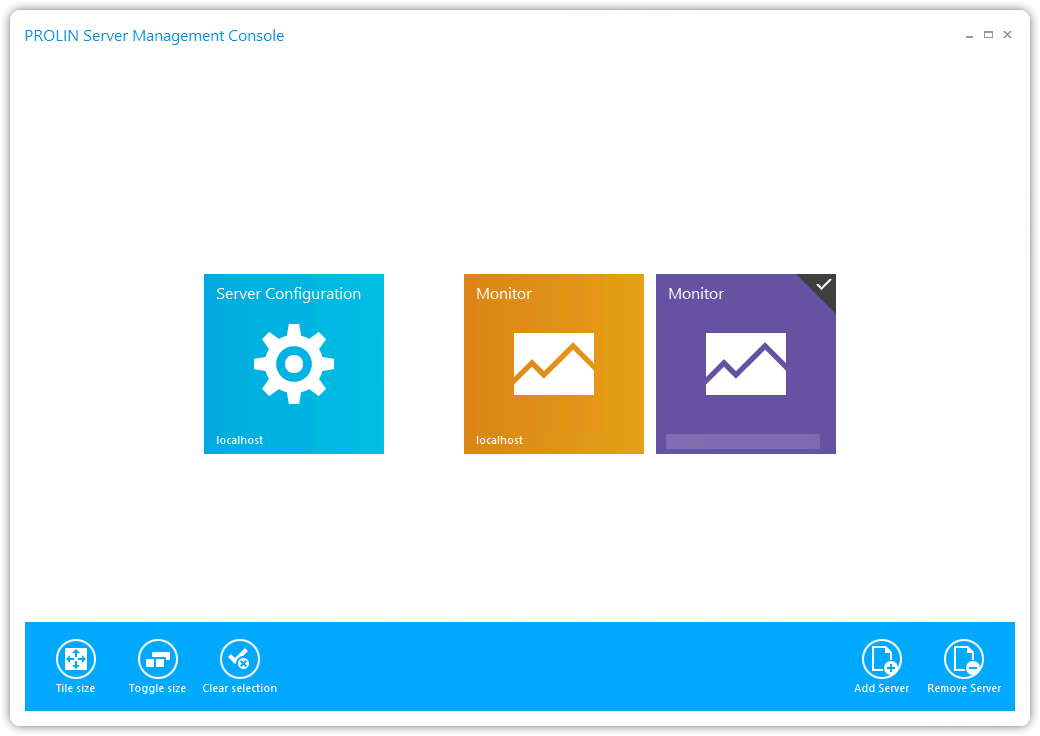
Startup: Remove Server - Click the Remove Server button at the bottom-right of the screen.
- The selected server will be removed immediately.