Service Call Hierarchy
The Service Call Hierarchy feature (available in PROLIN Smart Suite 2016 R5 and later) allows users to create a Master–Subordinate structure between service calls.
Initialize Service Call Hierarchy
To enable this functionality, some database settings must be initialized via the Admin interface.
Steps:
- Open
Admin → Application Settings. - Navigate to
Business logic → Service Call Hierarchy.
- If not connected to Power Server 2016 R5 or later:
- The initialization button will be disabled.
- If connected:
- The initialization button will be enabled.
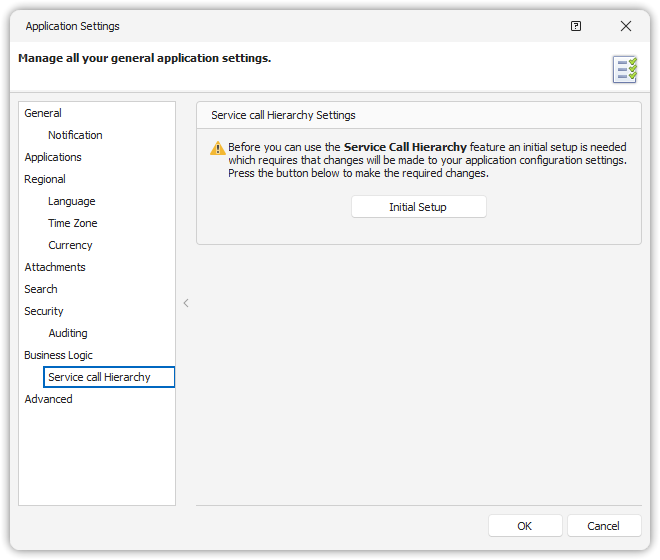
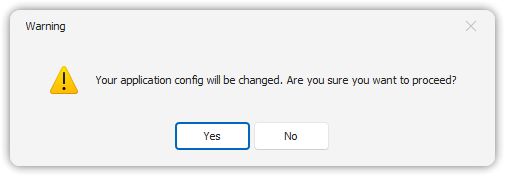
Clicking “Initial Setup” will prompt for confirmation before applying changes.
> Note: This setup only adds new structures—existing data remains unchanged.
Hierarchy Settings
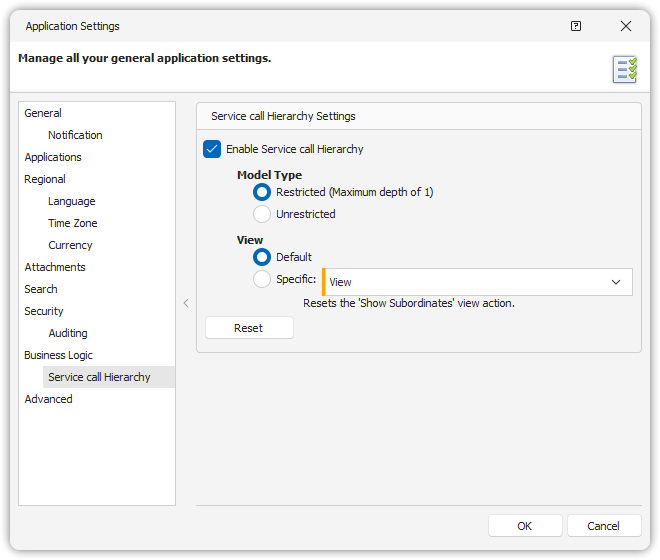
Once initialized, you can configure hierarchy options:
- Enable/Disable the feature (default: disabled).
- Model Type:
Restricted— structure goes one level deep.Unrestricted— supports unlimited levels.
- View:
- Use the default or a custom view for displaying subordinate calls.
⚠️ Smart Client restart is required after enabling/disabling this feature for it to take effect for all users.
Using the Hierarchy in Forms
Users can access the hierarchy under the Subcontract calls section of a Service Call form.
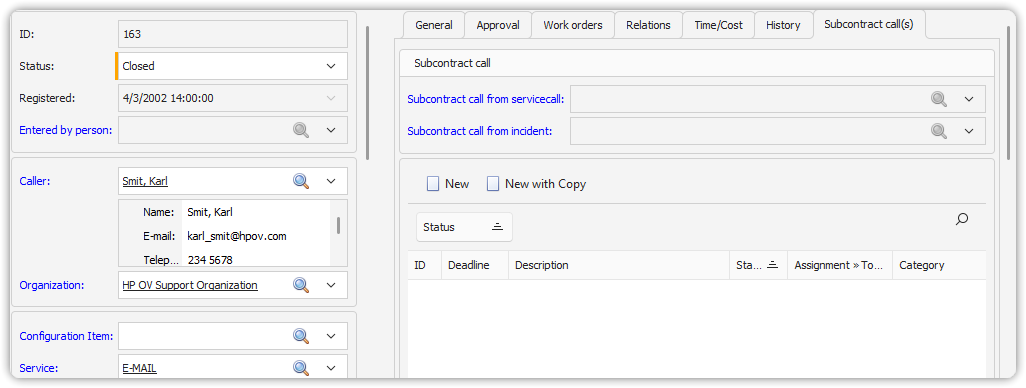
Buttons in Collection Editor:
- New: Create a new subordinate call under the current (master) call.
- New with Copy: Same as above, but copies values from the master call.
The fields to be copied are configured under
Admin Console → Copy Fields.
Identifying Call Types
When hierarchy is enabled, there are three types of Service Calls:
- Regular
- Master
- Subordinate
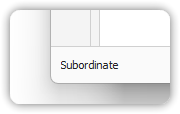
The current call type is shown in the status bar at the bottom of the form.
Ribbon Buttons for Hierarchy
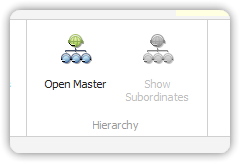
Depending on the call type, specific ribbon buttons are enabled:
- Master Service Call:
Show Subordinates— displays subordinate calls via an Overview action.
- Subordinate Service Call:
Open Master— navigates to the linked master call.
- Regular Call:
- Both buttons are disabled.