Server Management Console
Server Management Console
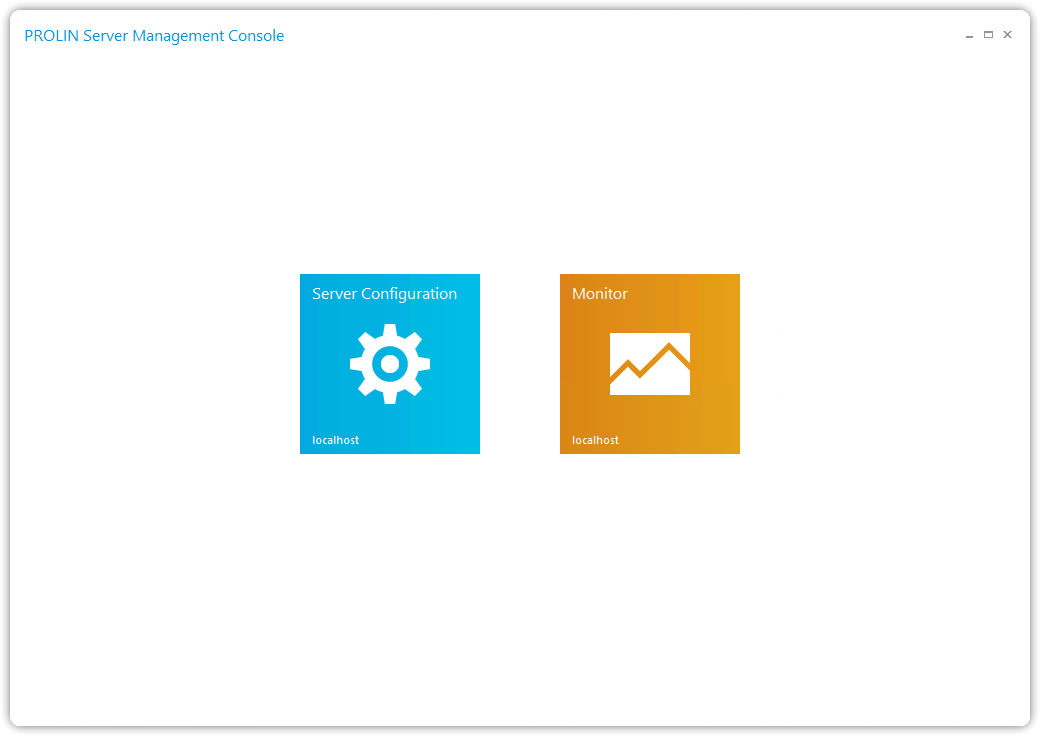
The Server Management Console allows you to:
- Configure a PROLIN Power Server instance on the local machine
- Monitor local or remote PROLIN Power Server instances
- Run several commands to alter the behavior of a running PROLIN Power Server instance
Starting the Console
You can start the Server Management Console from the Windows™ Start menu by navigating to:
PROLIN Inc → Power Server → Server Management Console
Initial Screen
When launched, the initial screen of the Server Management Console will be displayed: