Customization
Changing the Layout
Depending on the number of servers you have added, you may want to reorganize the items shown in the startup screen.
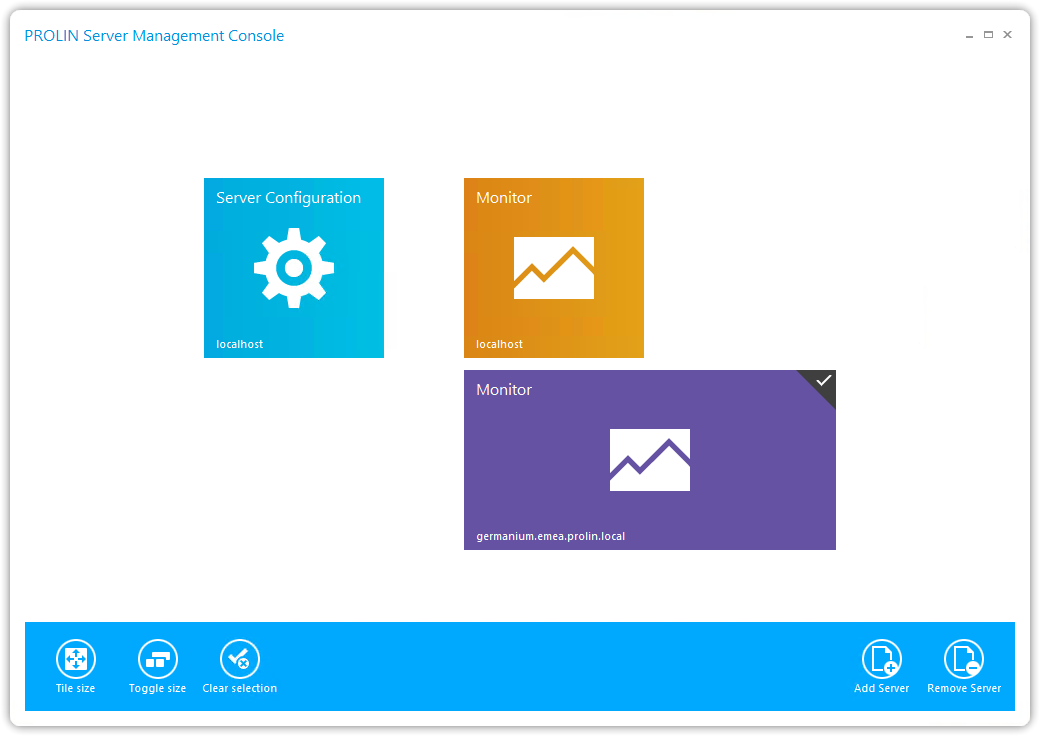
- You can change the size of each item using the buttons on the left-hand side, which appear at the bottom of the screen when you right-click on an item.
- This allows you to create an alternate layout, for example:
Changing Item Positions
You can also change the position of items:
- Hover the mouse over the item you want to move.
- Press and hold the left mouse button.
- Drag the item to the desired location.