Storage Settings
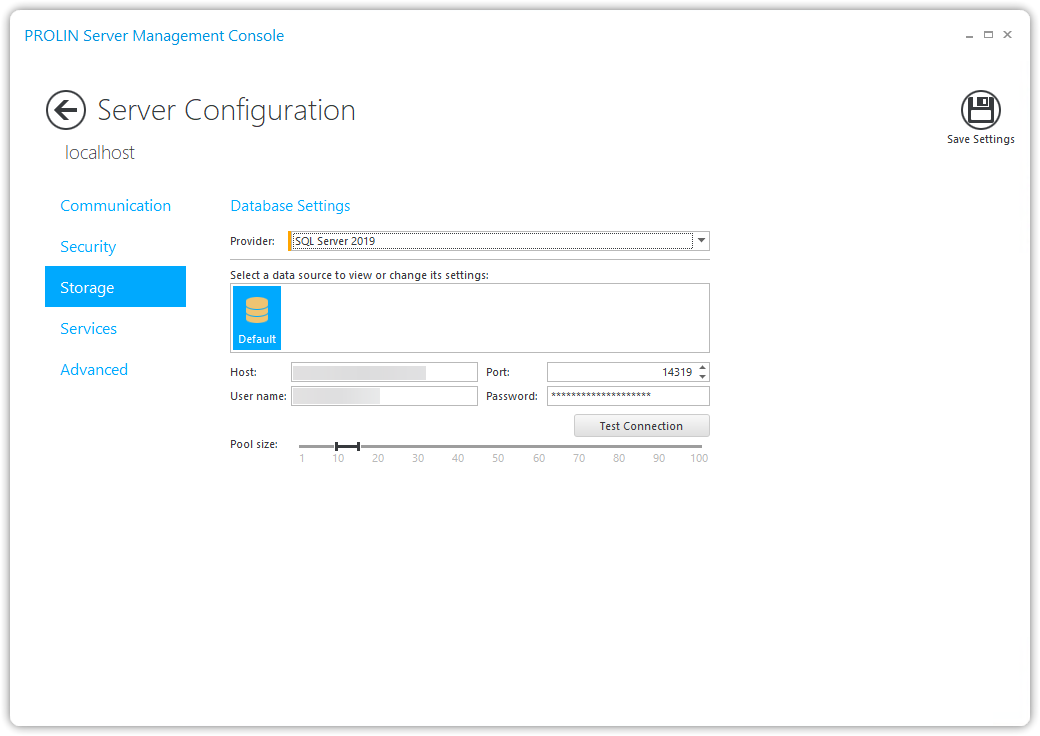
On the Storage page, you can configure the database connection settings for PROLIN Power Server.
Depending on the type of database you are using (Oracle or SQL Server), you can specify connection settings for:
- The Default data store
- An optional Repository data store (only supported when using Oracle)
Oracle Specific Options
NoteNote
If you are using an Oracle database, you must specify the Oracle SID in the Instance field.
This information can be obtained from your Database Administrator or by using either:
lsnrctl status
- Listener Services command
TNS Naming Support
If you want to refer to your Oracle instance using its TNS Name:
- Leave the Host field empty
- Enter the TNS Name in the Instance field
NoteNote
When using a TNS Name, the Port setting is ignored.