Command Line Interface
While most management tasks can be done using the Server Management Console, PROLIN Power Server also provides commands that can be executed from the command line.
To use these commands:
- Open a Command Prompt with Administrator privileges.
- Navigate to the PROLIN Power Server installation folder.
Viewing Available Commands
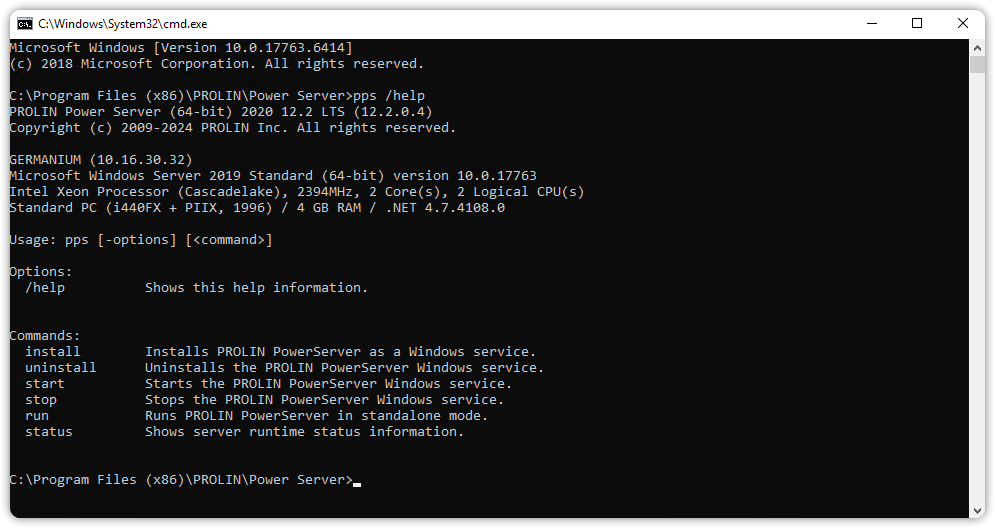
To get an overview of available commands, type:
pps /helpThis displays the Command Line Options for PROLIN Power Server.